Bizflow

For accountants and bookkeepers

Books that arrive clean, coded, and backed.

Every transaction arrives coded, with its receipt and eTIMS invoice attached, synced to QuickBooks Online or Zoho Books, or kept in Bizflow's own ledger.

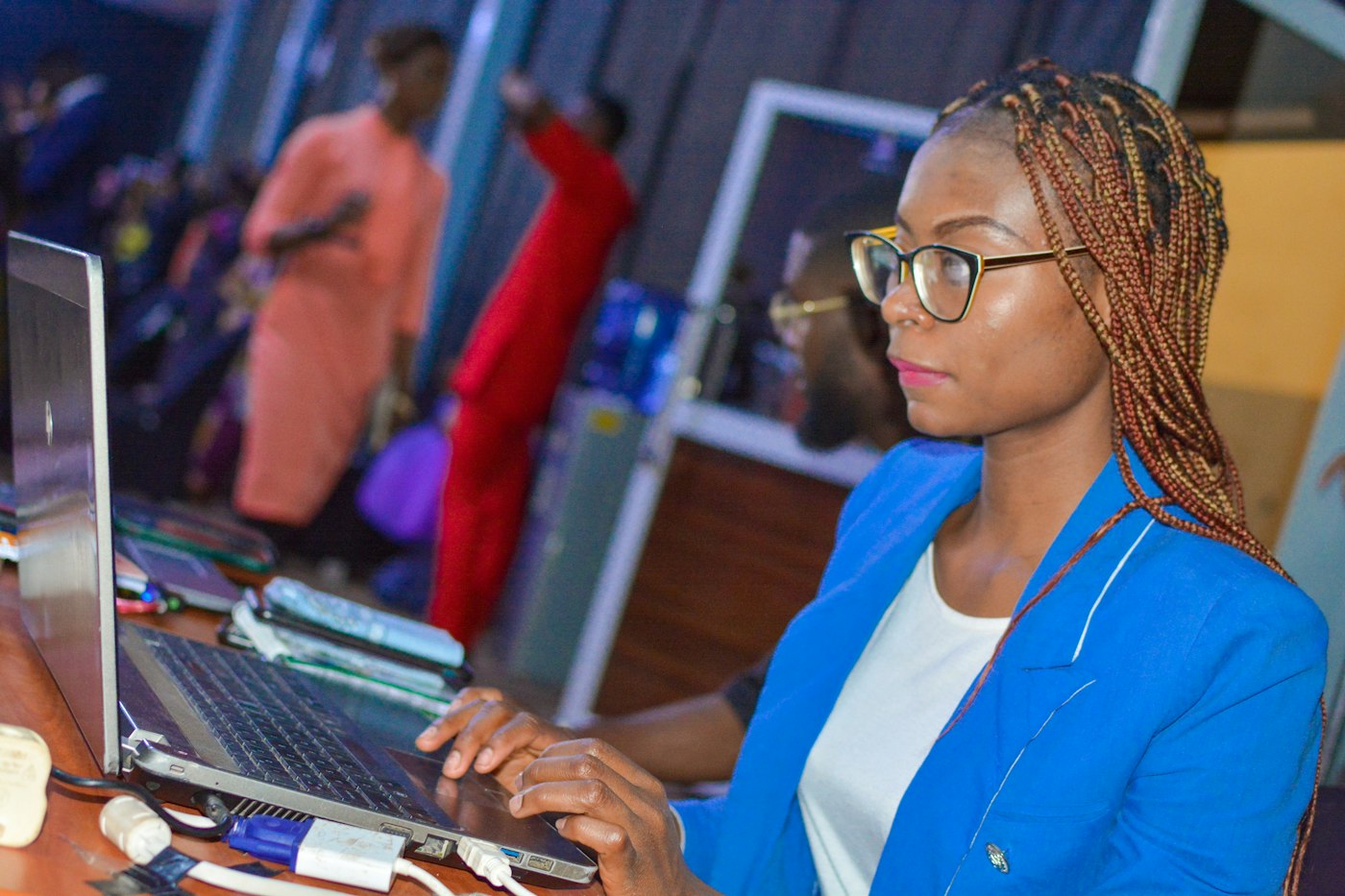
Accountant in a blue blazer working on her laptop
  • Synced to QuickBooks this month418 records · 1 needs a fix
  • Supplier invoices from KRA96 valid · 2 to request
  • VAT summary, OctoberKES 542,150 payable · due 20 Nov

Trusted by growing businesses across Kenya

businesses
50+
businesses
in transactions
KES 150M+
in transactions

Sound familiar?

Stop doing the business's paperwork for them.

Whether you keep the books in-house or for clients, the work is the same: chasing, retyping, and checking. Here is what changes when the business runs on Bizflow.

  • “Half my month goes on chasing receipts.”

    Receipts attached at the sourceStaff snap receipts when they spend, and Bizflow chases the missing ones, so you don't have to.
  • “I retype every expense into the accounting system.”

    Synced, already codedExpenses, petty cash, bills, invoices, and payments sync to QuickBooks Online or Zoho Books, in the right account.
  • “I can't tell which supplier invoices are valid for VAT.”

    Supplier invoices checked on eTIMSInvoices issued to the business's KRA PIN come in from KRA, and only valid ones count toward input VAT.
  • “The M-PESA statement never matches the books.”

    M-PESA matched as payments landPaybill, till, and Wallet payments are matched to invoices and bills, with only the odd one left for you.
  • “I find out about spending months later.”

    Coded when it is approvedEvery request carries its category, budget, department, and project from the start.
  • “The VAT return is a scramble every month.”

    One VAT summary before the 20thOutput VAT from eTIMS sales and input VAT from valid purchases, with every invoice behind each figure.

Your top workflows

The books, kept as the business runs.

Four jobs that used to take the first week of every month, now done as the transactions happen.

Match statements without the spreadsheet

Bank, M-PESA, and Wallet statements are matched to what is in Bizflow, account by account, with the differences laid out for review.

  • Every account side by side
  • Differences to review, not hunt for
  • Close and lock the month
See reconciliation

Get spend coded when it is approved

Every expense and request carries its category, budget, department, and project from the moment it is approved, so you review instead of code.

  • Category and budget on every claim
  • Department and project attached
  • Approved before it reaches you
See expenses

Get receipts with every expense

Staff snap the receipt when they spend. Bizflow reads it, checks it against KRA, and attaches it to the record.

  • Receipts snapped on the phone
  • Checked against KRA eTIMS
  • Category, budget, and project attached
See expenses

Close and lock the month

Work through the month-end checklist, then lock the month, so the numbers you report don't move.

  • Statements matched first
  • Missing receipts and bills chased
  • Posting into a closed month needs approval
See reconciliation

Your view

Everything synced, and the few that aren't.

See every record Bizflow sent to the accounting system, the account it landed in, and the few that need you.

  1. 1What syncedExpenses, petty cash, bills, invoices, and customer payments, with the account each landed in.
  2. 2What is waitingRecords queued for the next sync, so nothing is double-counted.
  3. 3What needs youThe odd record with a missing tax code or account mapping, ready to fix.

What you'll stop doing.

Retyping expenses and bills into the ledger

Reviewing records that arrive coded

Chasing staff for receipts

Receipts attached when the money is spent

Guessing which invoices count for input VAT

Only valid eTIMS invoices counted

Ticking M-PESA statements by hand

Payments matched as they land

Rebuilding the VAT return every month

Filing from one VAT summary

Asking who approved a payment

Opening the record, with the approval on it

Where accountants feel it first.

Accountant working with a laptop and calculator at her desk

Sync, or keep the ledger in Bizflow

Bizflow syncs to QuickBooks Online or Zoho Books, using their chart of accounts and tax rates. Or keep the full ledger in Bizflow.

  • ✓Chart of accounts and tax rates from your system
  • ✓Expenses, bills, invoices, and payments synced
  • ✓Or journals, trial balance, P&L, and balance sheet in Bizflow
  • ✓Month and year-end close
See reconciliation
Accountant reviewing eTIMS figures on her laptop

Every expense backed by a valid invoice

Supplier invoices come from KRA, receipts are checked against eTIMS, and buyer-initiated invoices cover suppliers who can't issue their own.

  • ✓Supplier invoices straight from KRA
  • ✓Receipts checked on eTIMS
  • ✓Buyer-initiated invoices
  • ✓Input VAT at risk flagged
See eTIMS

KRA-certified eTIMS integrator

Every expense backed by a valid eTIMS invoice.

Every figure on the VAT return traces back to an eTIMS invoice. Bizflow brings supplier invoices in from KRA and flags anything that wouldn't hold up.

How Bizflow handles eTIMS
  • Supplier invoices straight from KRA

    eTIMS invoices issued to the business's KRA PIN come into Bizflow, matched to the PO, bill, or expense.

  • Receipts checked on eTIMS

    Expense and petty cash receipts are checked against KRA, so only valid ones count toward input VAT.

  • Buyer-initiated invoices

    For suppliers who can't issue eTIMS invoices, the business raises the invoice for them, and KRA signs it once accepted.

  • Input VAT at risk, flagged

    Purchases without a valid eTIMS invoice are flagged before filing, with what to request from whom.

  • Credit notes against the original

    Corrections go through eTIMS as credit notes, with the KRA reason, against the original invoice.

  • One VAT summary before the 20th

    Your eTIMS sales and purchases feed one VAT summary: output VAT, input VAT, and what you will pay, with every invoice behind each figure.

Control

The access you need, the trail you want.

Get the access you need to do the books, and a record of everything that changed before you got there.

  • Your own accessJoin the business's Bizflow as a user, with a role that lets you see and do what the books need.
  • Audit trailWho requested, approved, paid, and changed anything, before and after you.
  • Locked periodsClose and lock a month, so reported numbers don't move.
  • Bizflow AIAsk Claude about unmatched lines, missing receipts, and VAT, with every action shown before it runs.

Connects to

  • QuickBooks OnlineQuickBooks OnlineChart of accounts, tax rates, suppliers, and customers come across. Expenses, bills, invoices, payments, and stock journals sync back.
  • Zoho BooksZoho BooksChart of accounts, tax rates, suppliers, and customers come across. Expenses, petty cash, bills, and invoices sync back.
  • KRA eTIMSSupplier invoices from KRA, sales signed, and the VAT summary ready.
  • M-PESA and banksM-PESA and banksPaybill, till, and Wallet payments matched, and bank statements uploaded and matched.
Bizflow AI · connects Claude through MCP

Ask Bizflow AI about the books.

Connect Claude to Bizflow and ask about unmatched lines, missing receipts, sync status, and VAT in plain English. Answers come from your live Bizflow data.

How Bizflow AI works
Bizflow AI Connected to Claude

Which records didn't sync this week?

Claude read from Bizflow · Accounting · Sync

One bill needs a tax code mapped. 12 more are waiting for the next sync.

  1. BILL-918 · Steelmart KenyaTax code not mappedKES 318,000
  2. Waiting for the next syncExpenses and petty cash12 records

Frequently asked questions

Which accounting systems does Bizflow sync with?

QuickBooks Online and Zoho Books. Bizflow brings across the chart of accounts, tax rates, suppliers, and customers, and syncs expenses, petty cash, bills, invoices, and customer payments back.

Can the business keep its books in Bizflow instead?

Yes. Bizflow has its own ledger, with a chart of accounts, journals, bank reconciliation, trial balance, profit and loss, balance sheet, cash flow, and month and year-end close.

How do I get access to a client's Bizflow?

The business adds you as a user and gives you a role with the access the books need. Everything you do is recorded in the audit trail.

Is there a partner programme for accounting firms?

Not yet. Today, firms work in each client's Bizflow as a user. Talk to us if you look after several businesses that could use Bizflow.

How does Bizflow help with input VAT?

Supplier invoices issued to the business's KRA PIN come into Bizflow from KRA, and only purchases, expenses, and petty cash backed by a valid eTIMS invoice count toward input VAT. Anything else is flagged.

Can we lock a month after closing?

Yes. Close and lock the month, and posting into a closed month needs approval.

The plans your businesses run on.

Accounting sync comes with every plan. The businesses you keep books for usually run Growth for bills, reconciliation, and eTIMS invoices, or Business for eTIMS purchases, the VAT summary, and the full audit trail.

Compare all plans

GrowthMost businesses

KES 12,000 a month

Or KES 10,800 a month, paid yearly

  • ✓Accounting sync
  • ✓Bills and payment reconciliation
  • ✓eTIMS invoices and credit notes
  • ✓Expenses and petty cash with receipts
  • ✓10 users and 3 branches

Business

KES 27,000 a month

Or KES 24,300 a month, paid yearly

  • ✓Everything in Growth
  • ✓eTIMS purchases, imports, and VAT summary
  • ✓Full audit trail
  • ✓Custom roles and permissions
  • ✓25 users, unlimited branches

Get books that are ready when you are.

Book a demo and see how transactions arrive coded, backed, and synced in Bizflow.