
Retail technology to watch
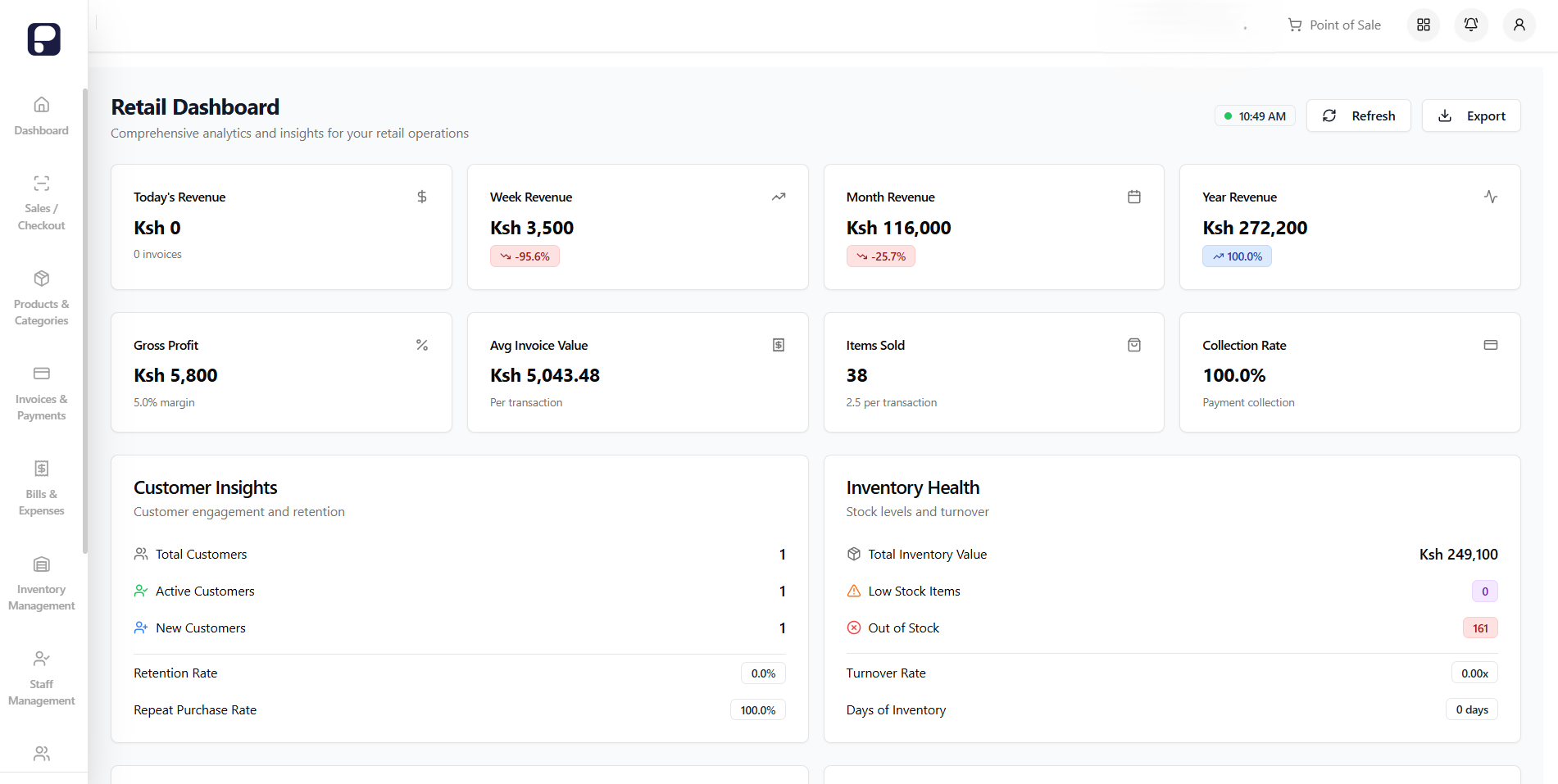
Retail tools are becoming more connected
Retail teams now expect checkout, stock, payments, and reports to share the same record. The useful question is not which tool sounds newest. It is whether the tool helps the team do the next task with fewer missing details.
Five areas worth checking
Point of sale records
A POS should link the item, price, payment, customer, and stock movement. That gives the team a useful record after the customer leaves.
Stock by location
Teams with more than one location need stock counts, transfers, and reorder levels that are easy to compare across branches.
Reports for the next decision
Sales, margin, stock movement, and customer reports help a manager decide what to review next. A report only needs to answer the question in front of the team.
Supplier and cost records
Keep supplier deliveries, invoices, petty cash, and operating costs beside the sales and stock they affect.
Access for the people doing the work
Give owners, managers, and cashiers the access they need for their roles. Keep the same records visible without giving every person every control.
How to choose the next tool
Start with one workflow that creates repeated work or missing details. Check that the platform fits local payments, your locations, and the way your staff actually sell.
Use these steps:
- Write down the workflow and the record it needs
- Test it with the people who will use it each day
- Start with the core steps before adding more controls
- Review the report and adjust the workflow when the facts change
Choose a clear next step
Good retail software does not need a grand promise. It needs to keep the right record, show the next issue, and help the team act on it.
